


 Communications monitoring
Find the emails that may break your policies
Communications monitoring uses AI and machine learning to find emails that may violate company policy or regulations. Flagged messages go to your reviewers in MonitorMate, and every decision and fix stays on the record.
What's included
- Processing of email in scope
- AI and machine learning analysis
- Context-based AI keyword and phrase screening aligned with company policies
- Flagged messages queued in MonitorMate
- Automated remediation workflow
- Email notifications
- Dashboards for each role
Review the messages that matter, not every message

Your policies cover what employees write as well as what they spend. No review team can read every email by hand.
Communications monitoring reads the email for you. It flags the messages that may break policy or regulations, so your compliance team spends its time on those and on the rest of the program.
Accurate
The model is trained to spot a wide range of potential violations
Efficient
Automated review frees your team for other work
Scalable
Sized for organizations large and small
Customizable
Context-based AI keyword and phrase screening aligned with company policies
Four steps from inbox to remediation
Process
Email in scope is collected and stored for monitoring
Analyze
Your custom AI and machine learning model reads each message
Flag
Questionable emails are flagged in MonitorMate for review
Remediate
An automated workflow assigns the fix and tracks it
How a message gets flagged
The model reads what a message means, not only the words in it. This example contains none of the program's keywords, yet two passages go to a reviewer.
The physician asked about using it for her younger patients.
Easier to talk that through by phone than put it in writing.
| Passage | Policy area | Result |
|---|---|---|
| Use in younger patients | Off-label promotion | Review |
| Moving the topic off email | Written communications | Review |
| Keyword list | No keyword matched | No flag |
Three ways communications monitoring improves compliance
You choose what the model looks for.
Prevent data breaches
- Customer information
- Financial data
- Intellectual property
Enforce company policies
- Insider trading
- Harassment
- Discrimination
Investigate reported concerns
- Violations reported to your compliance team
- Where a violation started
- Evidence for disciplinary action
Your policies set the rules, and your reviewers decide
AI flags messages. It doesn't close them. Each flag opens in a detailed view where a reviewer confirms the issue, categorizes it, and sends it on.
- Models trained on your policies
- Context-based AI keyword and phrase screening aligned with company policies
- A threshold for each violation category
- Email and chat, not email alone
- Automated workflows and email notifications for each fix
- Dashboards for monitoring, remediation, and escalation, set up for each role
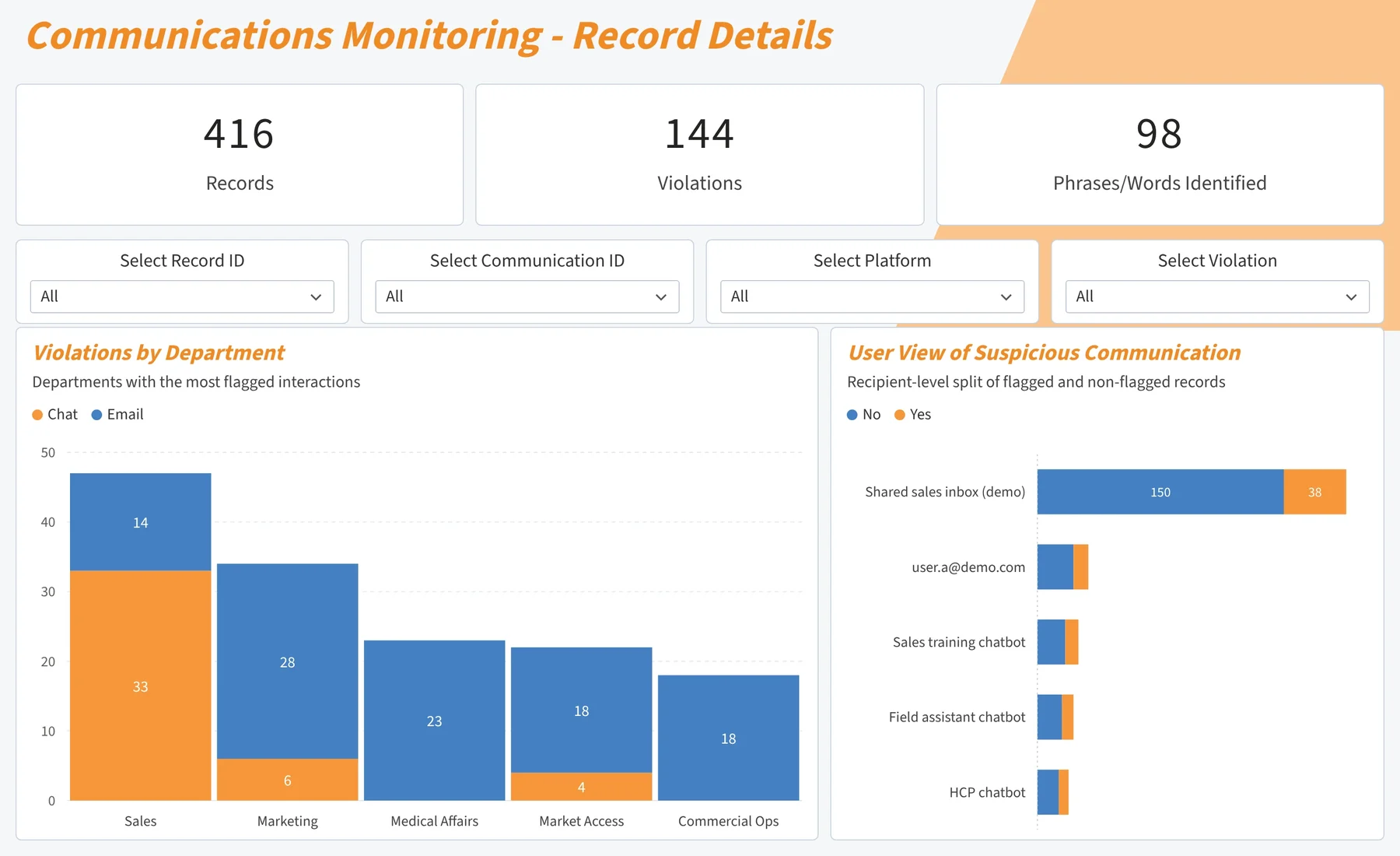
Every flag follows the MonitorMate review path
- Flagged
- Pending review
- Review complete
- Pending remediation
- Closed
A flagged email becomes a record like any other review, so the audit trail keeps each change with the person and time.
Communications findings sit beside the rest of your monitoring
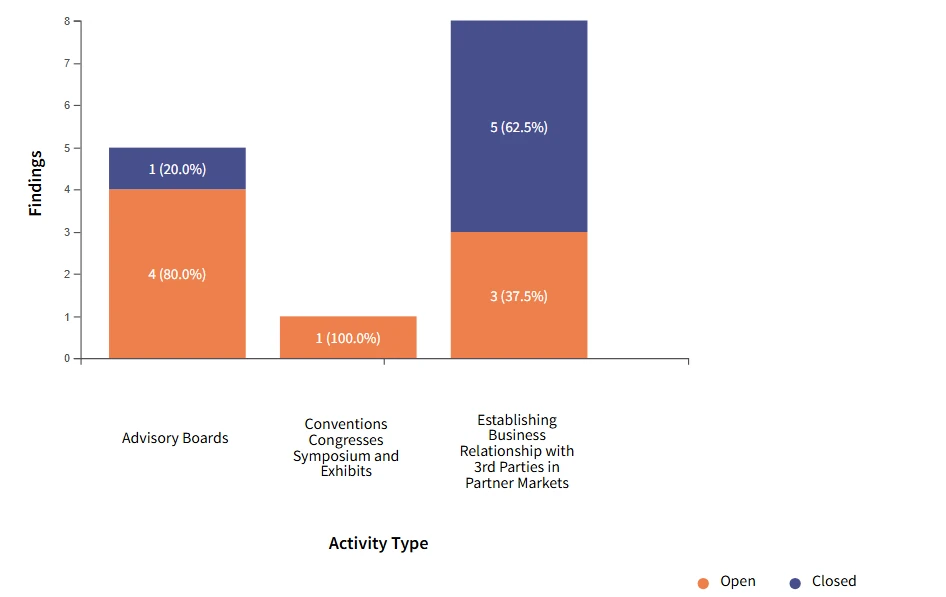
Communications monitoring runs on MonitorMate, the platform for your risk assessment, live and transactional reviews, and remediation. A finding from an email is tracked to closure the same way as a finding from a speaker program.
- One remediation process for every kind of finding
- One set of dashboards for your whole program
- One audit trail to show an auditor

See how your policies would read your email
Tell us which policies and channels you want to monitor, and we'll show you how flags reach your reviewers in MonitorMate.